
Explore cloud migration solutions, cloud migration benefits, and the benefits of cloud migration. Learn actionable strategies for a secure, efficient migration.

September 25, 2026
Businesses are looking for reliable ways to protect their offices, data, and people. The Apple security system is becoming a top choice for organizations that want a modern, easy-to-use solution. In this article, you'll learn how Apple's security system works, how it fits into your smart home or office, and what makes it different from other options. We'll also cover how HomeKit, Apple TV, and other Apple devices, like iPad and sensors, can help automate and secure your space.
Apple's security system is designed to make protecting your business or home simple and efficient. It brings together several Apple products and services to create a connected network of security devices. This system is especially helpful for organizations that already use Apple devices, as it allows for seamless integration and easy management.
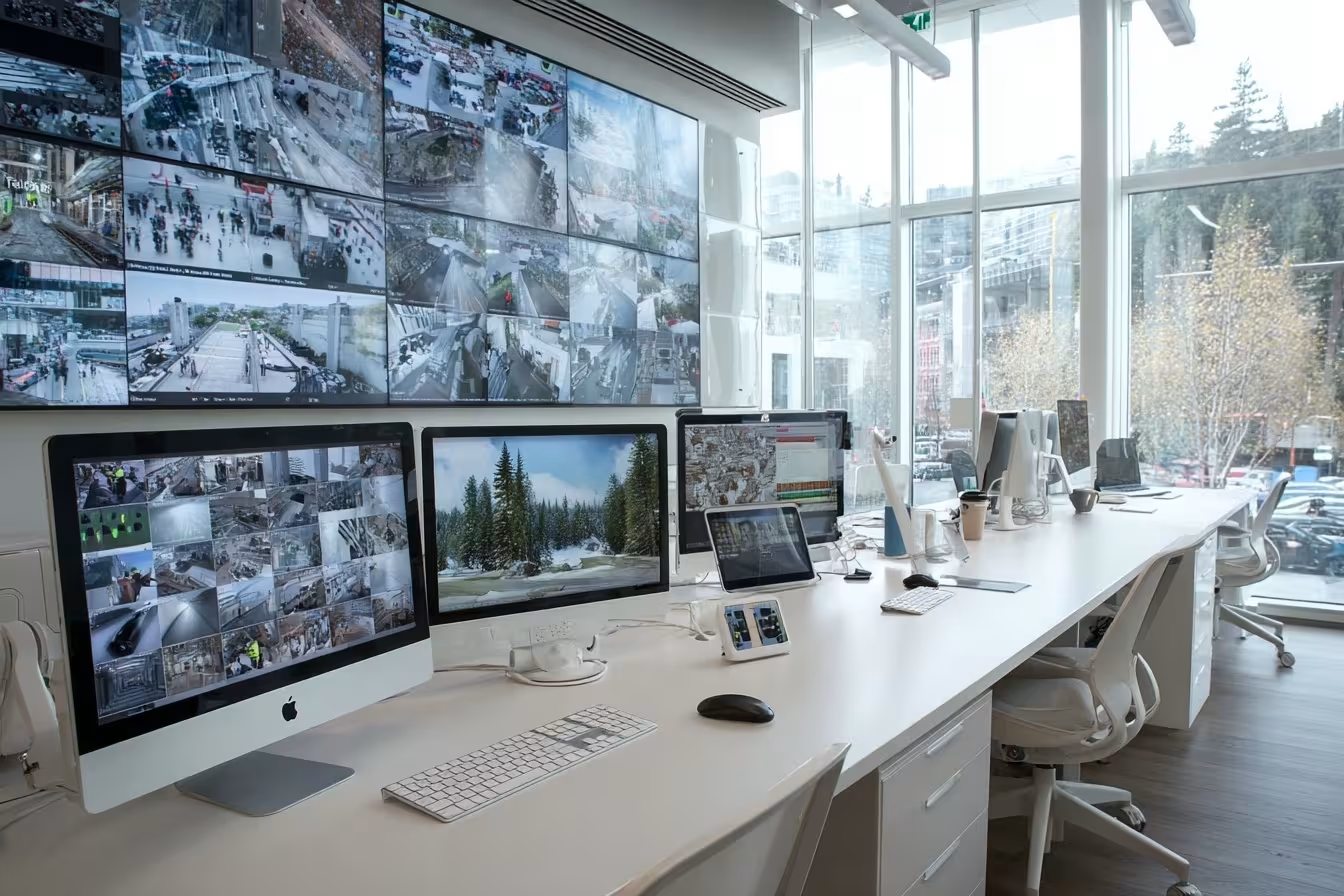
One of the main benefits is the ability to control everything from your iPhone, iPad, or Mac. You can monitor cameras, receive alerts, and even automate actions like locking doors or turning on lights. The system also uses HomeKit, which connects different smart home accessories, making it easy to add or remove devices as your needs change.
Apple's security system is also known for its strong privacy features. Apple platform security ensures that your data stays protected, and regular software updates keep your system safe from new threats. This makes it a smart choice for businesses that value both convenience and security.
Setting up an Apple security system can be straightforward, but there are a few common mistakes that can cause problems. Here are some key issues to watch out for:
Not all security devices work with Apple HomeKit. Before buying cameras, sensors, or alarms, check if they are HomeKit-compatible. Using incompatible devices can lead to connection issues and limited features.
Apple security relies on up-to-date software for both devices and apps. Skipping updates can leave your system open to security risks. Always enable automatic updates where possible.
Your Apple security system depends on a strong Wi-Fi network. Weak passwords or outdated routers can make your system vulnerable. Make sure your network is secure and supports all your devices.
If you have multiple users, set clear permissions for each person. This prevents unauthorized access and helps you control who can view cameras or change settings.
While digital security is important, don't forget about physical access. Place sensors and cameras in strategic locations to cover all entry points.
Automation is a big part of Apple's security system. Test your automation rules regularly to make sure they work as expected, especially after adding new devices.
Here are some of the most important features you get with an Apple security system:
One of the standout features of Apple's security system is its ability to work smoothly with other Apple products. If your business already uses iPhones, iPads, or Macs, you can manage your security system from the same devices. This saves time and reduces the need for extra training.
Apple HomeKit acts as the central hub, connecting cameras, sensors, and alarms from different brands. As long as the devices are Homekit-compatible, you can add them to your system with just a few taps. This flexibility is ideal for growing organizations that may need to expand or change their security setup over time.
The system also supports automation. For example, you can set your lights to turn on when a sensor detects movement, or receive an alert if a door is opened after hours. These features help you stay in control and respond quickly to any issues.
To get the most out of your Apple security system, follow these important steps:
Select a system that fits your space and needs. Consider the size of your office or home, the number of entry points, and the types of devices you want to use.
Using Apple TV as your Homekit hub allows you to control your security devices remotely. Make sure your Apple TV is always on and connected to your network.
Expand your system with compatible cameras, locks, and sensors. Check for HomeKit compatibility before purchasing new devices.
Turn on features like two-factor authentication and encryption to protect your data. These settings add an extra layer of security.
Keep your devices and apps updated to ensure you have the latest security patches. Set reminders or enable automatic updates.
Regularly check that all devices are connected and responding. Test automation rules and alerts to make sure everything is working as expected.

When setting up an Apple security system, start by mapping out your space. Identify key areas that need coverage, such as entrances, exits, and high-traffic zones. Place sensors and cameras where they can capture the most activity without being easily tampered with.
Next, connect your devices to HomeKit and assign clear names to each one. This makes it easier to manage and control them from your iPhone or iPad. Set up automation rules that match your business hours and security needs, like arming the system after closing time or sending alerts if a door is opened unexpectedly.
Finally, train your team on how to use the system. Make sure everyone knows how to receive alerts, check cameras, and respond to notifications. This helps you get the most value from your investment and keeps your business secure.
To keep your Apple security system running smoothly, follow these best practices:
Staying proactive with these steps will help you avoid problems and keep your business safe.

Are you a business with 15–200 users, especially if you’re scaling past 40 people and need a security solution that grows with you? If you’re looking for a system that’s easy to manage and fits right into your existing Apple environment, we’re here to help.
We understand the challenges of protecting your office and data while keeping things simple for your team. Our experts at Point can help you design, install, and support an Apple security system that meets your needs. Reach out to us today to see how we can make your security setup seamless and reliable.
Apple's security system stands out because it integrates easily with your existing Apple devices. You can control everything from your iPhone or iPad, making it simple to manage security without extra hardware. The system also uses HomeKit for automation and supports a wide range of sensors.
Apple security support is strong, with regular software updates and privacy features built in. This means your data stays protected, and you get new features as they’re released. It’s a good fit for businesses that already use Apple products and want a reliable, easy-to-use solution.
HomeKit lets you connect and control different smart home accessories from one app. This means you can set up automation, like turning on lights or locking doors when you leave. It also makes it easy to add new devices as your needs change.
With HomeKit, your home security system can send real-time alerts to your Apple devices. This helps you respond quickly to any issues and keeps your office or workspace secure without extra effort.
Yes, Apple TV can act as a hub for your Apple security system. When set up as a HomeKit hub, Apple TV allows you to control your security devices remotely and automate actions, even when you’re not on-site.
This setup is especially useful for businesses with multiple locations or those that need to monitor security from different places. Apple TV also works well with other Apple devices, making the system easy to expand.
Compatibility is key when building your Apple security system. Make sure all your cameras, sensors, and alarms are HomeKit-compatible before buying. This ensures everything works together smoothly.
Regular software updates are also important. They keep your system secure and add new features. Enable automatic updates on your devices and check for updates at least once a month to avoid security gaps.
Automation lets you set rules for your security devices, like arming the system at night or sending alerts if a sensor is triggered. You can do this through the Home app on your iOS device.
Using Apple automation features helps you save time and reduce human error. It’s a smart way to make sure your business stays protected, even if you forget to check the system yourself.
Yes, both HomePod and iPad can be part of your Apple security system. HomePod can control your devices with voice commands, while iPad can act as a control panel for viewing cameras or managing settings.
Adding these devices gives you more flexibility and makes it easier for your team to use the system. Just make sure they’re connected to the same network and updated with the latest software for the best results.