Discover the Apple ecosystem, what is Apple ecosystem, and the advantages of Apple ecosystem. Learn how to connect devices for seamless business productivity.

September 4, 2026
.avif)
.avif)
.avif)
What we keep hearing from businesses is that teams often buy Apple products for their staff but miss out on the real power of connecting everything together. Many organizations use iPhones, iPads, or Macs, but don’t realize how much smoother work can be when every Apple device is set up to work as a single, seamless system.
"The Apple ecosystem lets your devices work together, making daily tasks faster and more secure."
Industry research shows that companies using connected Apple devices see fewer tech headaches and better productivity. If you’re using an Apple Watch to unlock your MacBook Air, or sharing files with AirDrop, you’re already benefiting from the Apple ecosystem. But there’s much more to it than just convenience. Understanding what Apple ecosystem is and the advantages of Apple ecosystem can help your business get the most out of every Apple product you own.
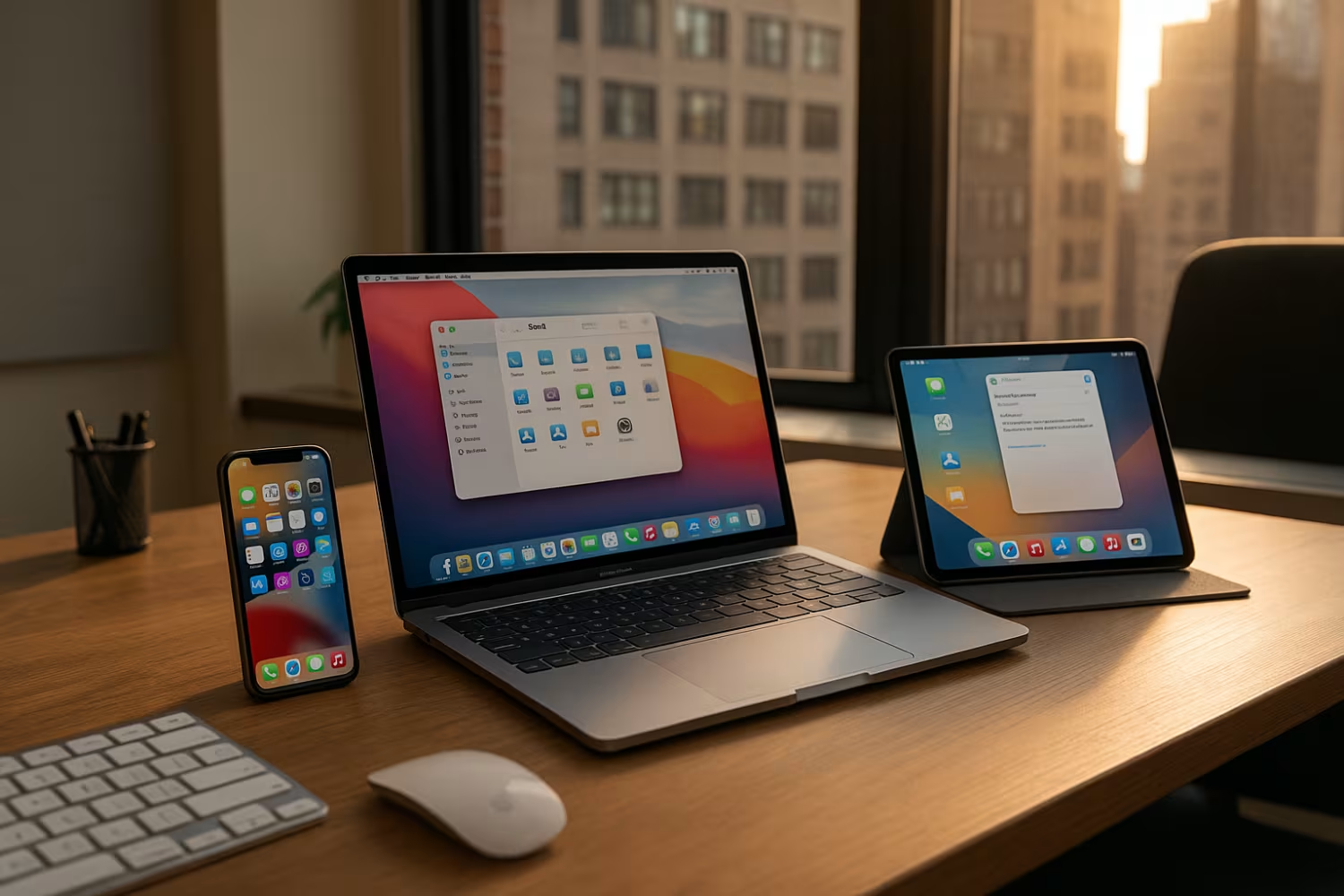
The Apple ecosystem is more than just owning a few Apple devices. It’s about how iPhones, iPads, Macs, and other Apple products work together to create a unified experience. When your team uses multiple Apple devices, features like iCloud, Handoff, and iMessage help everyone stay connected and productive without extra effort.
For example, you can start an email on your iPhone and finish it on your MacBook Pro, or use your iPad as a second screen for your Mac with Sidecar and Universal Control. These features are built into macOS and iOS, so you don’t need to install extra software. The result is a workflow that feels natural and saves time, especially for fast-moving teams.
Security is another key advantage. Apple’s tight integration means updates and settings are shared across devices, making it easier to keep everything secure. This is especially important for organizations handling sensitive data or working in regulated industries.
Even with the best tools, it’s easy to miss out on the full value of the Apple ecosystem. Here are the most common mistakes we see and how to avoid them.
If your team shares Apple IDs or skips setting them up, you lose out on features like iCloud syncing and device tracking. Each user should have their own Apple ID for security and access to personalized settings.
Many businesses forget to turn on iCloud backups, risking data loss if a device is lost or damaged. Make sure every iPhone and iPad is set to back up automatically.
Teams often email files to themselves instead of using AirDrop, which is much faster and more secure for sharing documents between Apple devices.
Handoff lets you start a task on one device and finish it on another. If it’s not set up, your team misses out on a smoother workflow.
Without proper device management, it’s hard to keep track of updates and security settings. Use Apple’s built-in tools or a mobile device management (MDM) solution to keep everything organized.
Apple updates its products regularly, adding new features like Universal Control. Make sure your team knows how to use them for maximum productivity.
A well-configured Apple ecosystem brings several important advantages:

When you combine iPhone, iPad, and Mac devices, your team can work from anywhere and stay connected. For example, using iMessage on your Mac lets you reply to texts without picking up your iPhone. With iPadOS, your iPad can become a digital notebook using the Apple Pencil, or a second display for your Mac with Sidecar.
The App Store offers business tools that work across all Apple devices, so your team can access the same apps on their iPhone, iPad, or Mac. This consistency reduces training time and helps everyone stay on the same page. Plus, features like FaceTime and AirPlay make it easy to communicate and share presentations during meetings.
To get the most out of your Apple ecosystem, focus on these strategies:
A unique Apple ID for each user ensures personalized settings, secure access, and smooth syncing with iCloud. This also helps with device tracking and security.
Turn on iCloud for every device to keep files, contacts, and calendars up to date. This reduces manual work and prevents data loss.
AirDrop lets your team share files quickly between Apple devices without email or USB drives. It’s secure and works even without internet access.
With Sidecar, your iPad becomes a second screen for your Mac. Universal Control lets you use one mouse and keyboard across multiple devices, making multitasking easier.
Regular training helps your team use the latest features in macOS and iOS, boosting productivity and reducing support requests.
Apple’s built-in management tools help you keep track of devices, enforce security settings, and deploy updates efficiently.

Start by taking inventory of all Apple devices in your organization. Make sure each device is assigned to a specific user with a unique Apple ID. Next, enable iCloud syncing and set up automatic backups for iPhones, iPads, and Macs.
Review your current workflows to see where features like AirDrop, Handoff, and Universal Control can save time. Offer short training sessions to help your team get comfortable with new tools. Finally, use device management solutions to keep everything secure and up to date as your business grows.
To keep your Apple ecosystem running smoothly, follow these best practices:
Following these steps helps your business get the most value from your Apple investment.

Are you a business with 15–200 users, especially if you’re scaling past 40 employees? If you want to make sure your Apple devices work together seamlessly and securely, we can help you set up and manage the entire Apple ecosystem for your team.
Our team specializes in helping growing organizations unlock the full advantages of the Apple ecosystem—from setup and training to device management and ongoing support. If you’re ready to simplify your tech and boost productivity, reach out to us today.
To set up the Apple ecosystem, start by making sure every Apple device—like iPhones, iPads, and Macs—has its own Apple ID. This allows each user to sync their settings and data securely. Next, enable iCloud on all devices to keep files, contacts, and calendars up to date automatically.
You should also activate features like Handoff and AirDrop to make sharing and switching between devices easier. For larger teams, consider using device management tools to keep everything organized and secure. This approach helps your Apple products work together seamlessly.
The main advantages of the Apple ecosystem include seamless syncing across devices, improved security, and easier collaboration. For example, using iCloud and iMessage lets your team share information quickly and securely.
Features like AirDrop and Handoff help your staff move files and tasks between Apple devices without extra steps. This saves time and reduces errors, especially as your team grows and uses more Apple products.
Yes, AirDrop works between Macs, iPhones, and iPads, making it easy to share files instantly. Just make sure Bluetooth and Wi-Fi are enabled on both devices.
This feature is especially useful for teams using MacBook Pro laptops and iPhones in the same workspace. It keeps file transfers secure and eliminates the need for email attachments or USB drives.
Sidecar lets you use your iPad as a second display for your Mac, expanding your workspace. Universal Control allows you to use one mouse and keyboard across both devices, making multitasking much easier.
These features are built into macOS and iPadOS, so there’s no need for extra software. They’re great for creative teams or anyone who needs more screen space and flexibility in their daily tasks.
When managing many Apple devices, it’s important to use device management solutions to keep everything secure and up to date. Assigning unique Apple IDs and enabling iCloud for each device helps with tracking and syncing.
Regularly review security settings and train your team on new features after each update. This approach keeps your Apple ecosystem organized and reduces downtime as your business grows.
To keep your Apple ecosystem secure, always use strong passwords for Apple IDs and enable two-factor authentication. Make sure all devices—like iPhones, iPads, and Macs—are updated regularly.
Use built-in privacy settings and device management tools to control access and monitor usage. This helps protect sensitive data and ensures your Apple products stay safe as your team expands.